Analytics
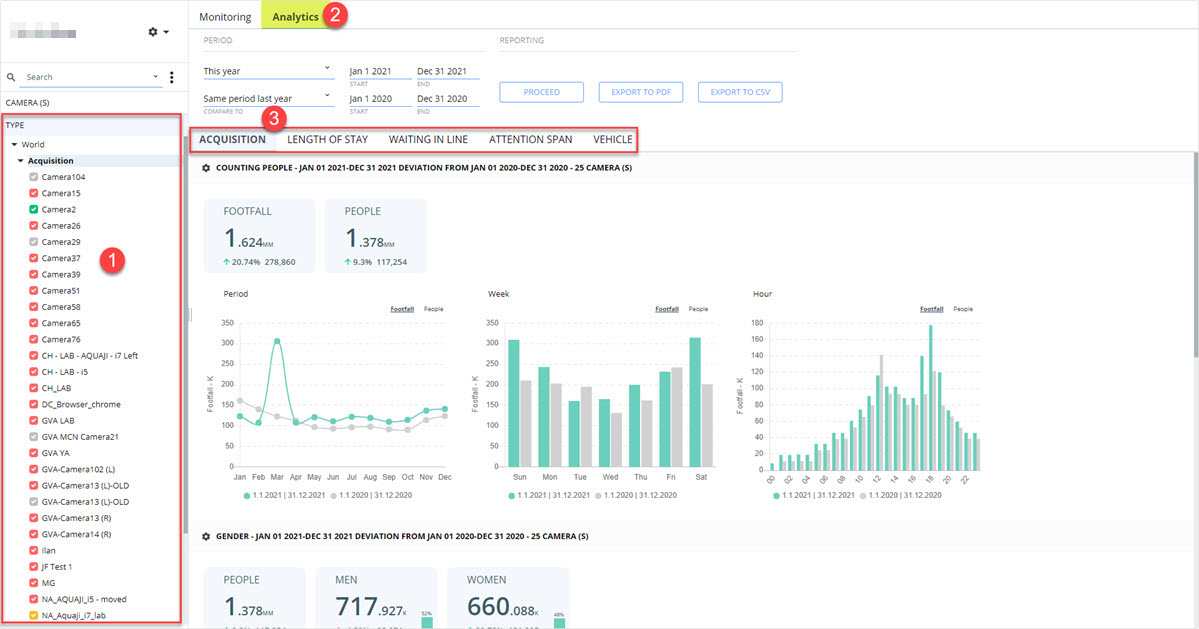
Cameras are organized by type: Acquisition, Length of stay, Attention span, Waiting in line, and Vehicle
- Select the Edge players you wish to generate a report for. You can select one or more players from the same type or players from different types.
- Select the Analytics tab.
- You will see one or more tabs appear on the main window depending on the types of Edge players you selected on the left.
How to generate new analytics reports
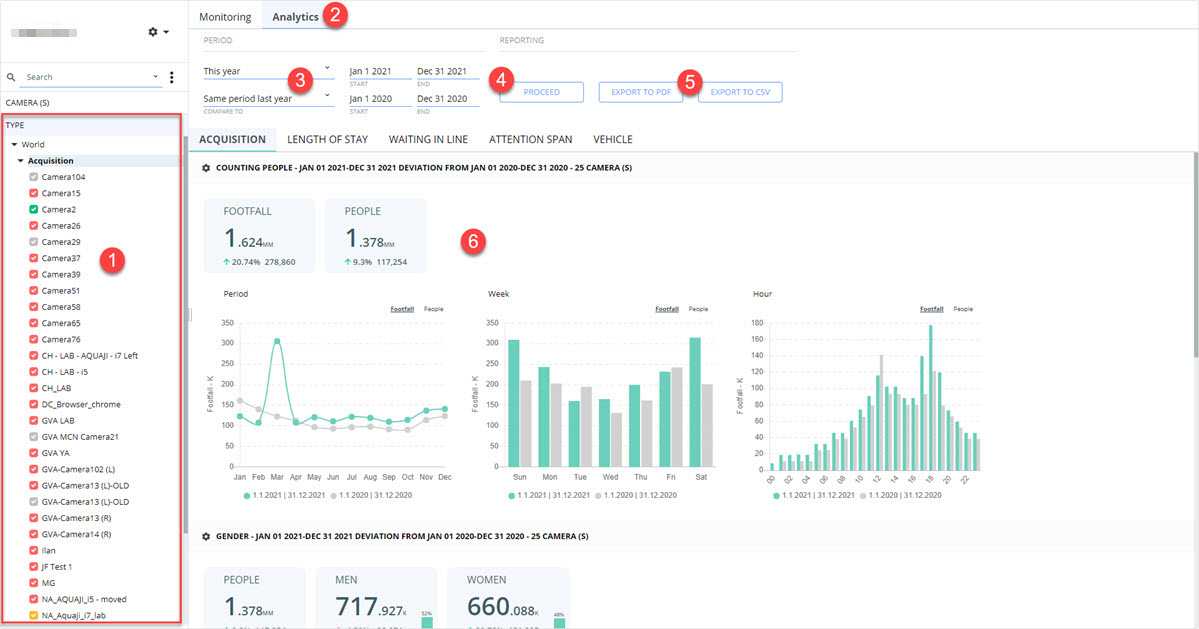
- To generate a report, select the cameras in the TYPE window. In this example we selected Acquisition.
- Click the Analytics tab.
- Select the period to generate the report for.
If you want to compare your results with previous metrics, select a period under COMPARE TO and select a second period.
Note that you can also enter specific start/end dates for each period.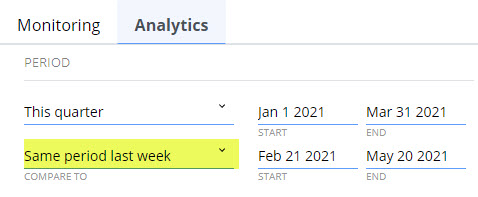
- Click Proceed to generate your results. The information will appear below.
In this example, we show comparative data for two periods.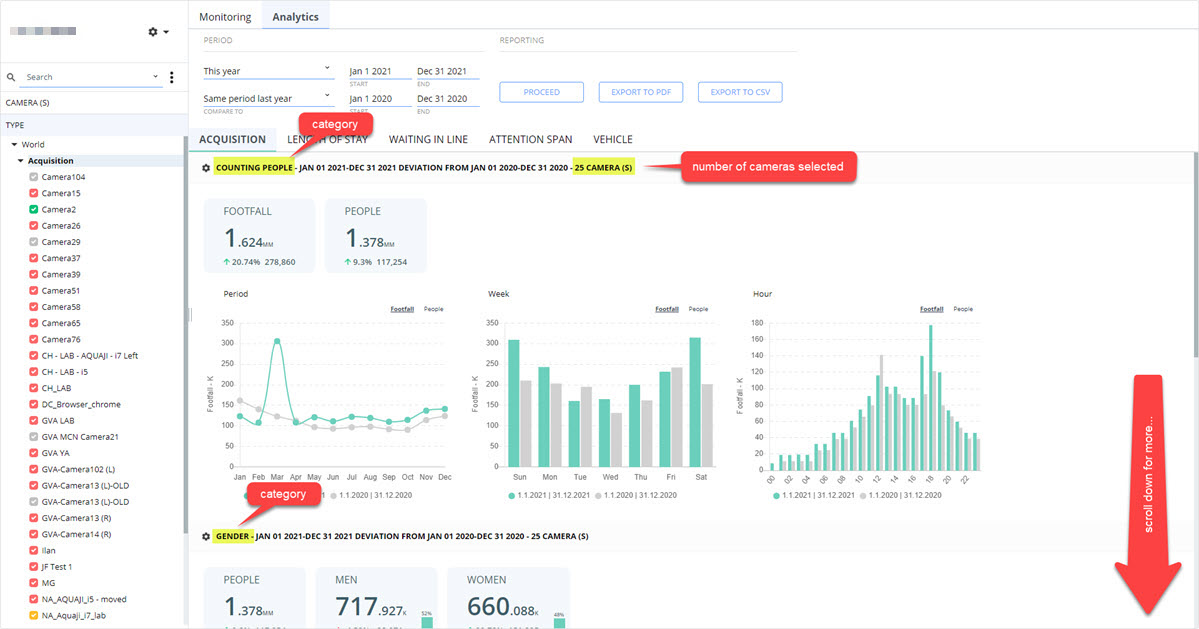
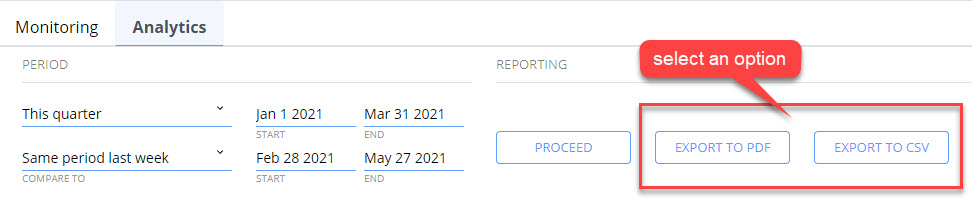
- You can export your reports in PDF or CSV formats for easy distribution.