Main Menu
The Main Menu button is represented by a small "gear" icon in the upper left corner of the Aquaji UI.
The user's name is shown left of the Main Menu button.
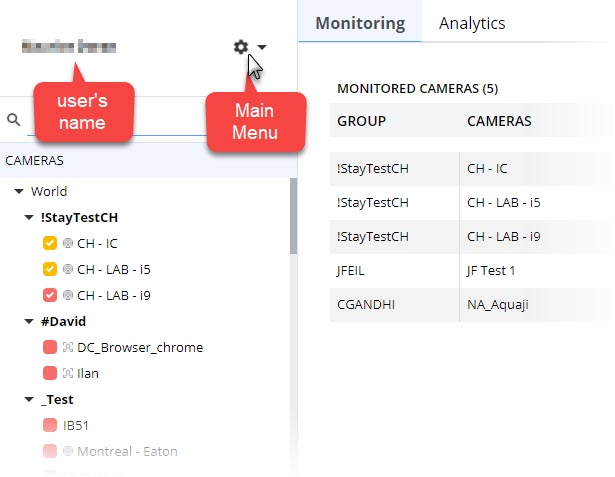
When you hover your mouse cursor over the icon, you get the following popup menu:
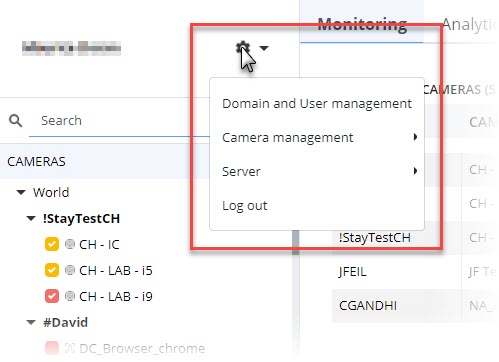
The popup menu contains the following options:
- Domain and User management — Where you create and manage user accounts and Aquaji domains.
- Camera management — Where you assign tags, manage camera profiles and download the Aquaji Edge player software.
- Server — Where you configure your on-premise server settings, access the server dashboard, refresh your Aquaji server and player licenses and access this help manual.
- Log out — The button you click to exit the application, same as closing the browser tab.