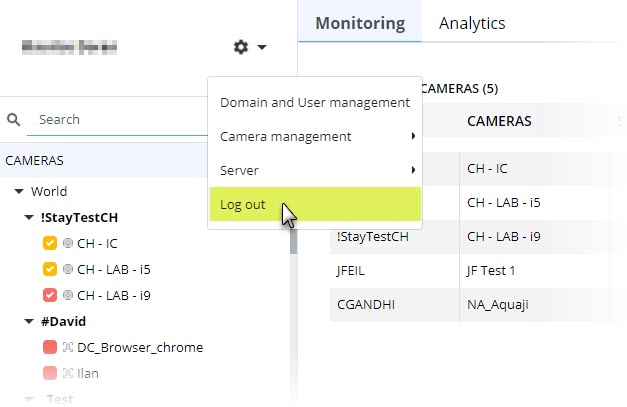
Aquaji user interface (UI)Main menu Logging out To log out of your Aquaji session, select Main Menu (gear icon) > Log out or close your web browser/tab. It's important to note that clicking your web browser's back button will also log you out of your session.