Editing your user account
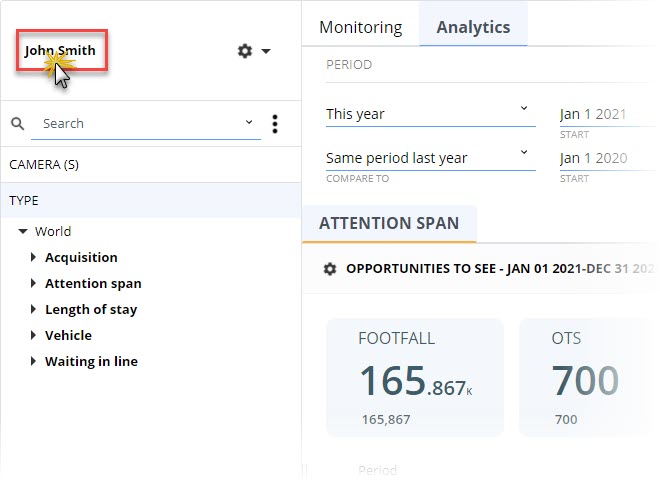
Aquaji users can access their account information by clicking their user name in the upper left corner of the user interface (above the Search field).
The User Account window will open.
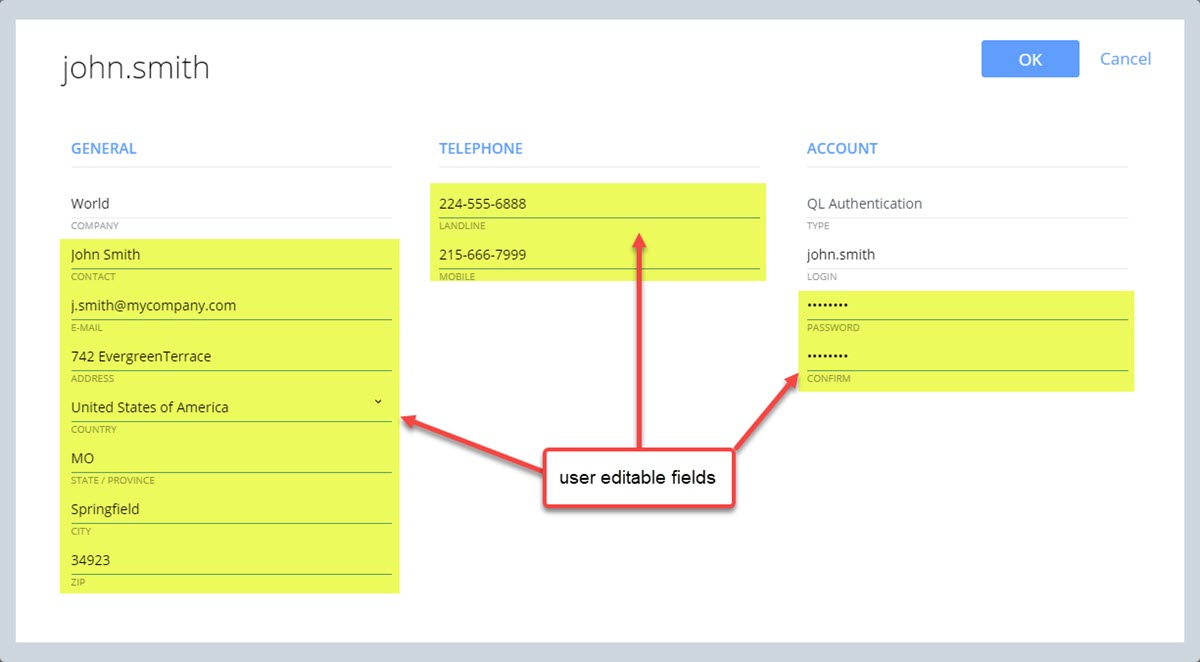
The COMPANY, TYPE and LOGIN fields can't be edited by the user. All other fields can be edited, including the password.