Logging in
Launch your web browser and enter the following URL: https://aquaji.navori.com/Aquaji/#!/login
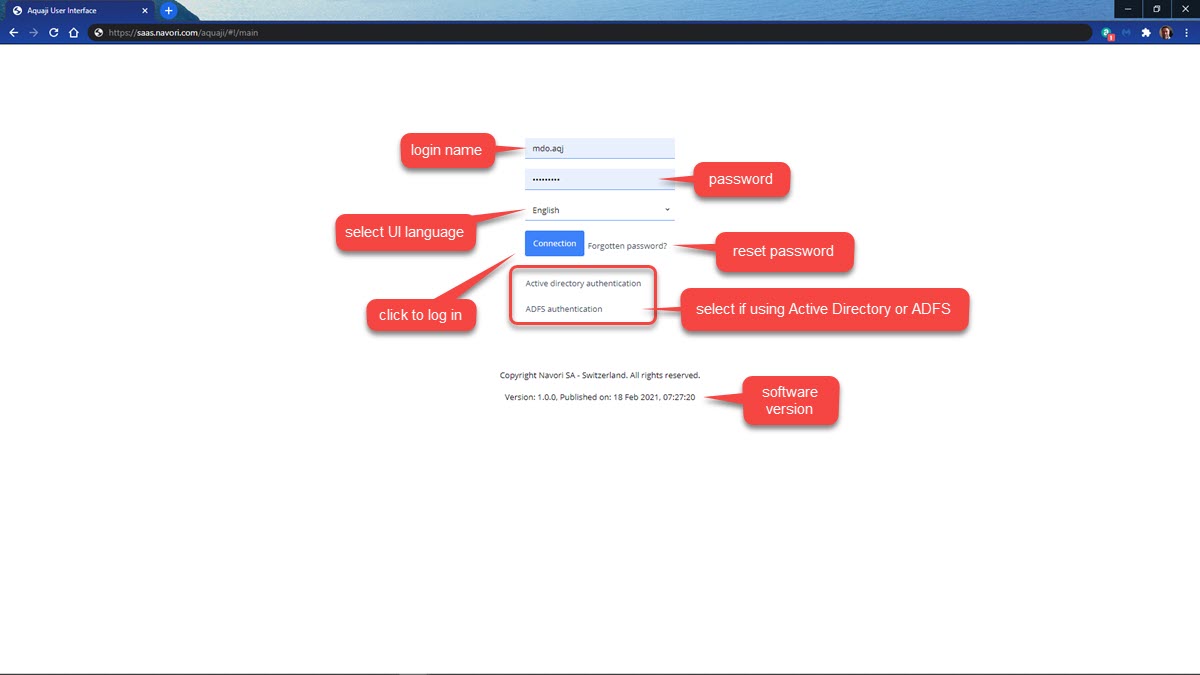
- Enter your login name* in the first field.
- Enter your password* in the second field.
- Select the user interface language. Note: This setting will be retained next time you access the login page.
- Click the "Connection" button to login.
- If you forgot your password, click the "Forgotten password" link.
- If your enterprise uses Active Directory or ADFS authentication, select the appropriate option.
The information at the bottom of the screen shows the Aquaji Server software version and the release date.
*NOTE: Login names and passwords are case-sensitive.